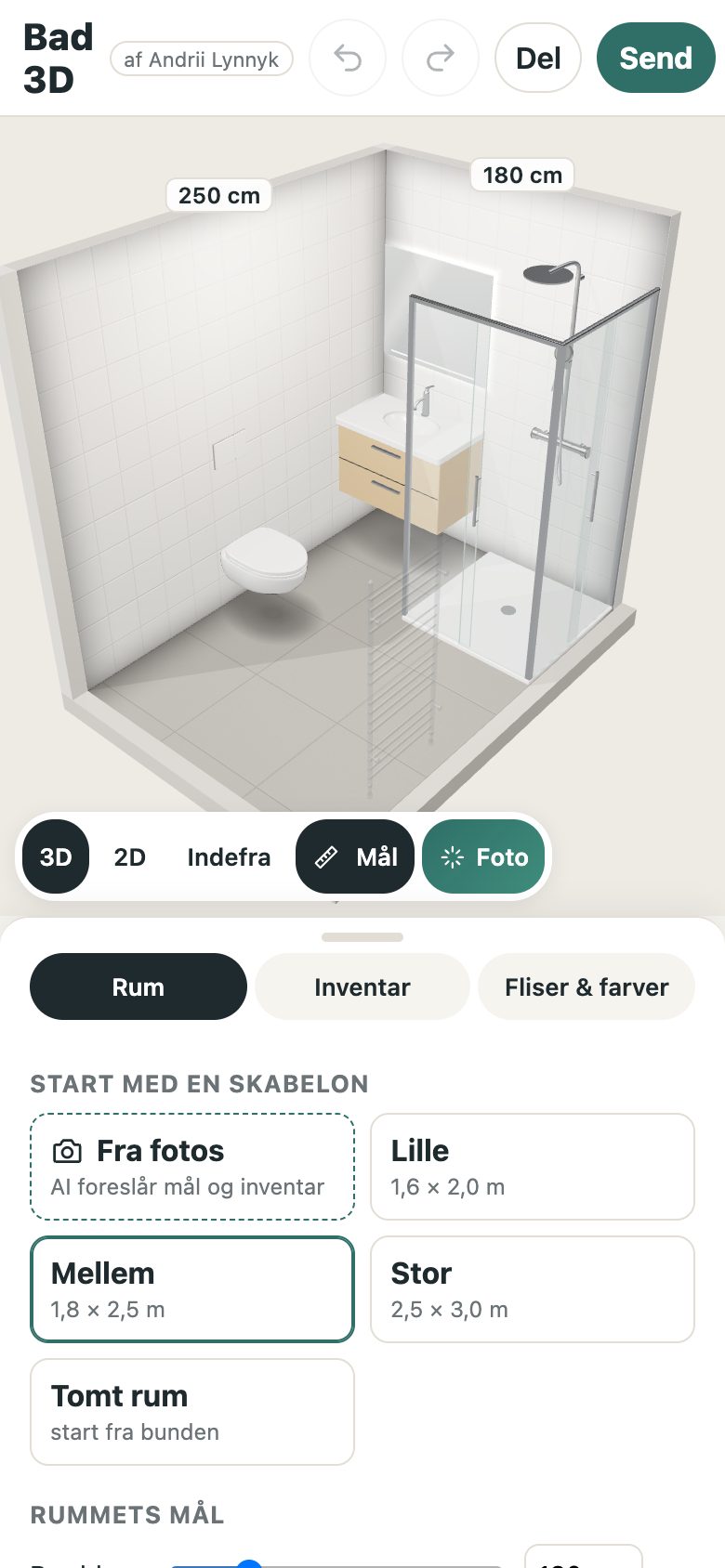
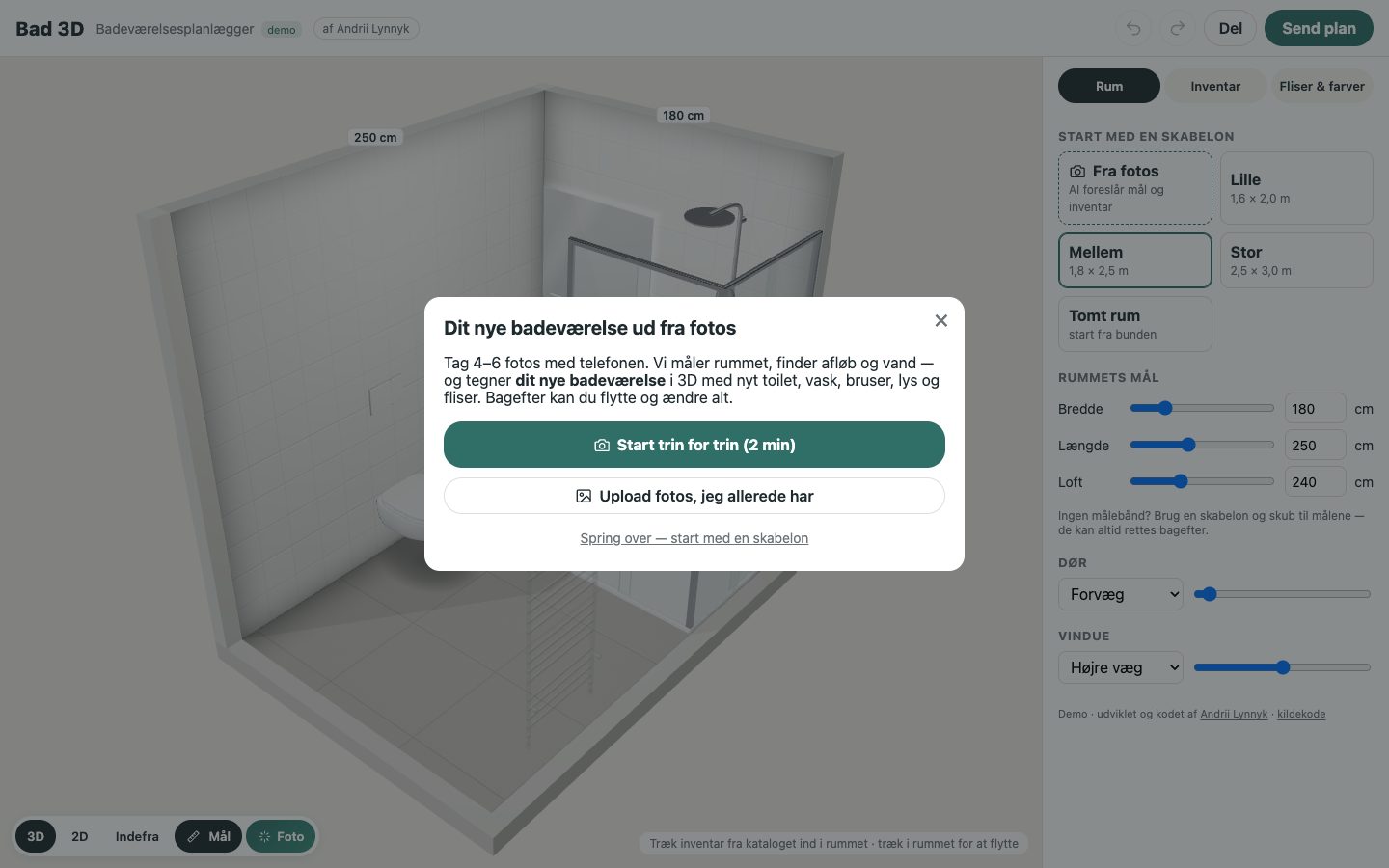
Bad
3D
Bad
3D
Plan a new bathroom in 3D — from a few phone photos
Take photos of the old bathroom; AI reads the layout, proportions and where water and drains are, and the planner builds the renovated room in 3D. Then move, swap and restyle everything.
What it does
Photos → renovated 3D room
Guided capture or upload. AI finds walls, doors, windows and plumbing points; scale comes from standard-size objects (doors, toilets, tiles), median over several.
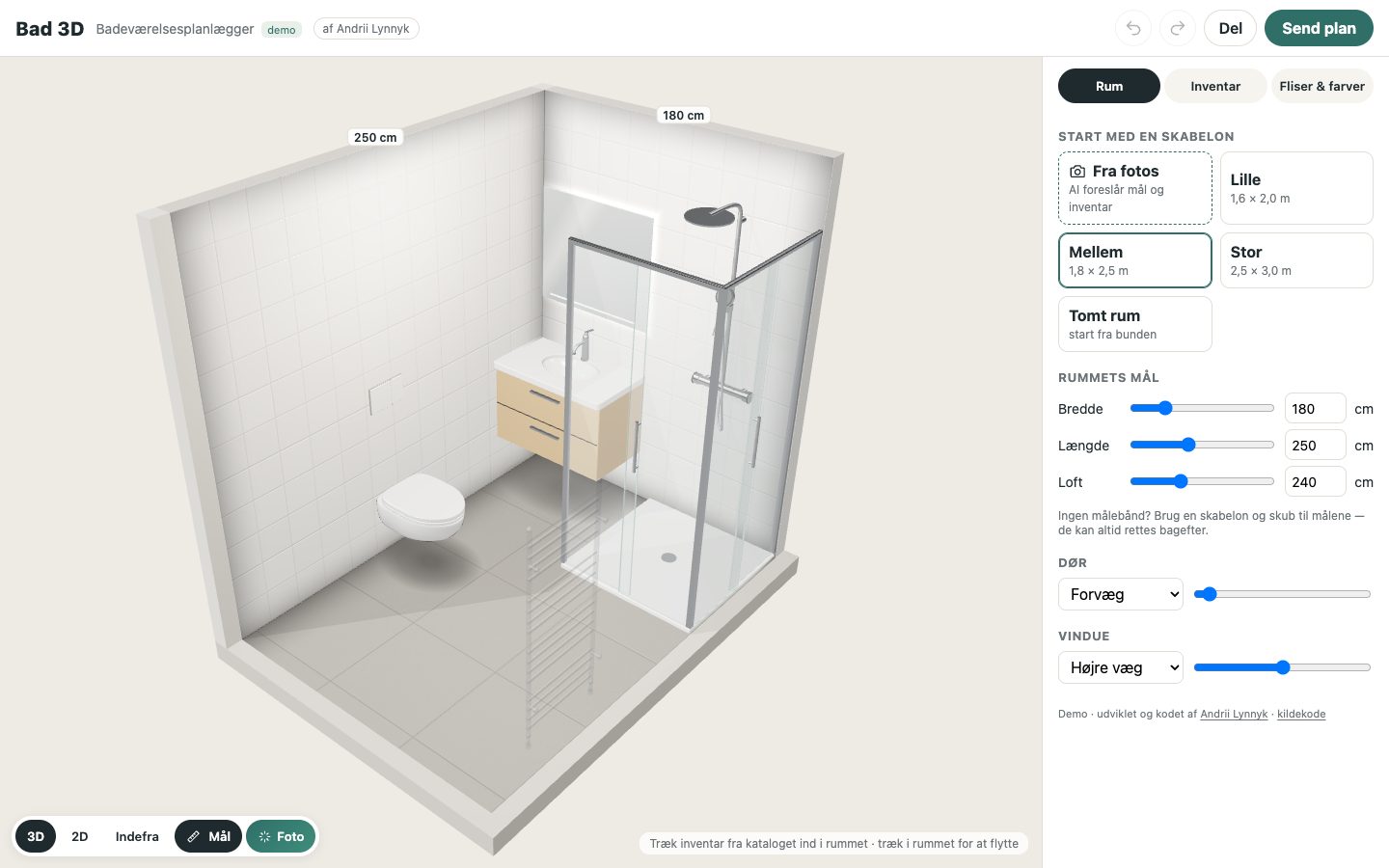
Own parametric 3D models
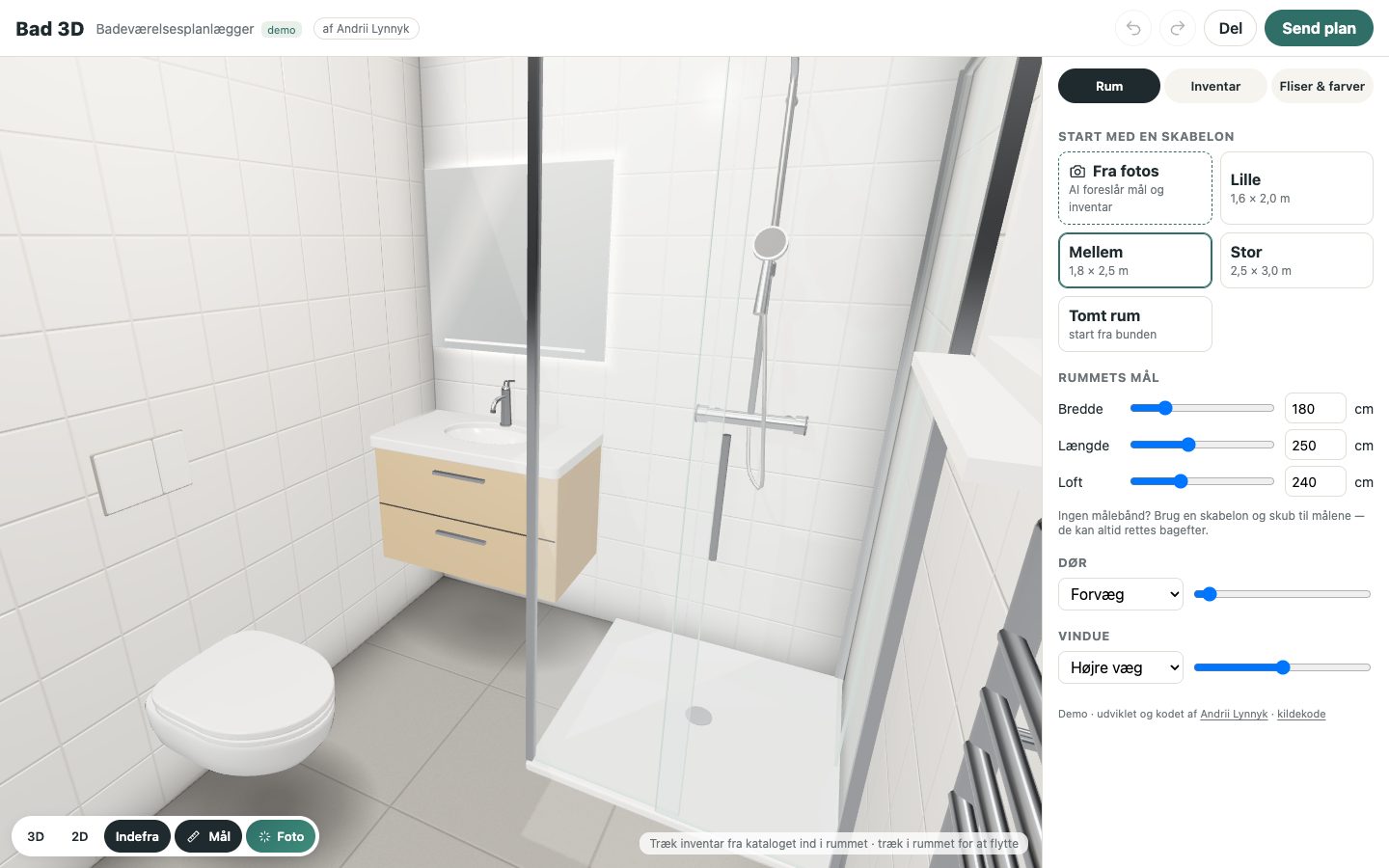
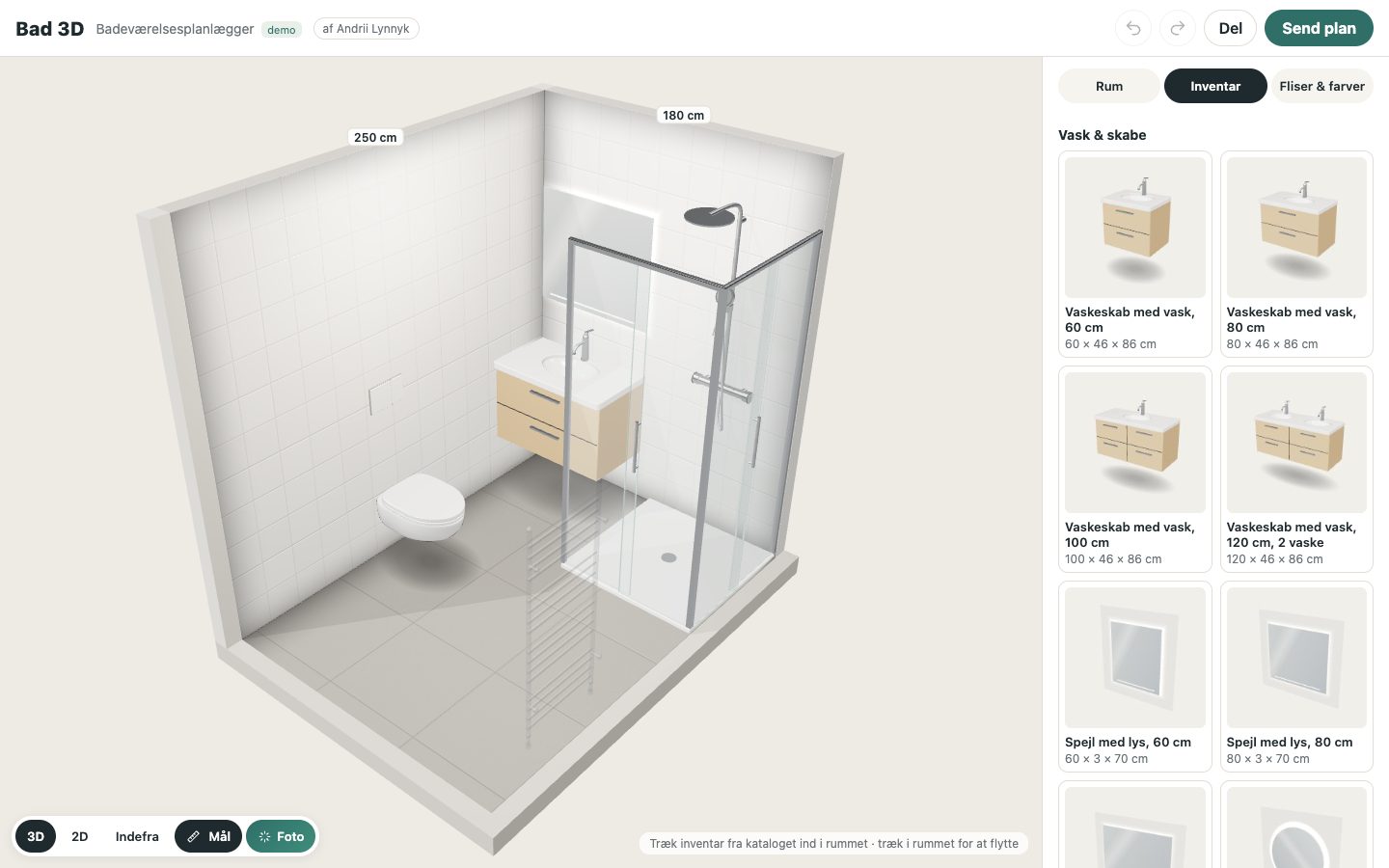
Wall-hung toilet with concealed cistern, vanities 60–120 cm, mirrors with LED glow, showers with glass and thermostat, bathtubs, towel rails, washer — all generated in code.
Real tiles, real sizes
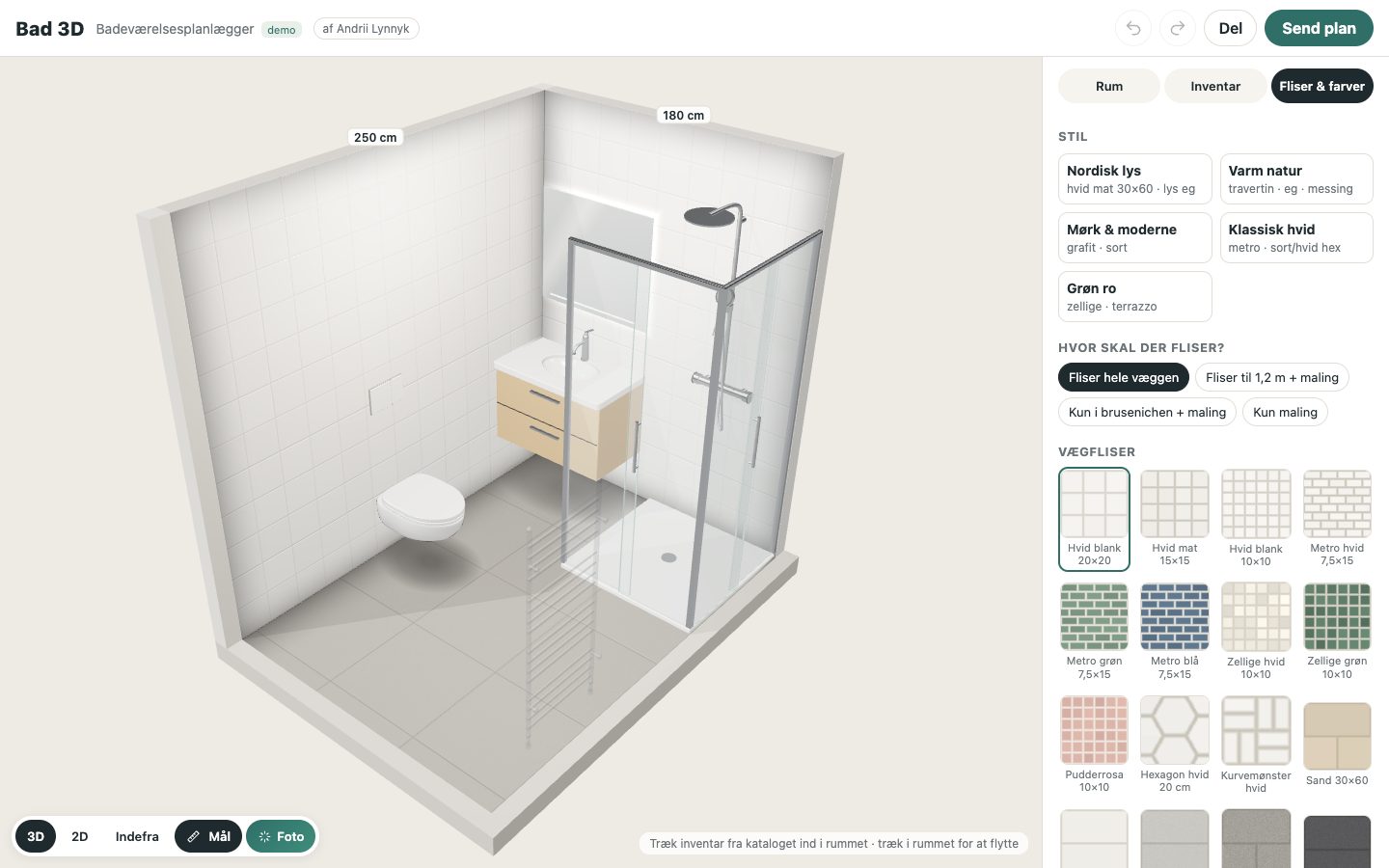
Procedural tiles in centimetres with grout and relief, herringbone and offset patterns, tiling height: full wall, 120 cm or shower zone only.
Smart placement
Snap to walls and corners, strict collision rules, door swing and service clearances, drag from the catalogue with a green/red ghost.
3D, 2D and eye level
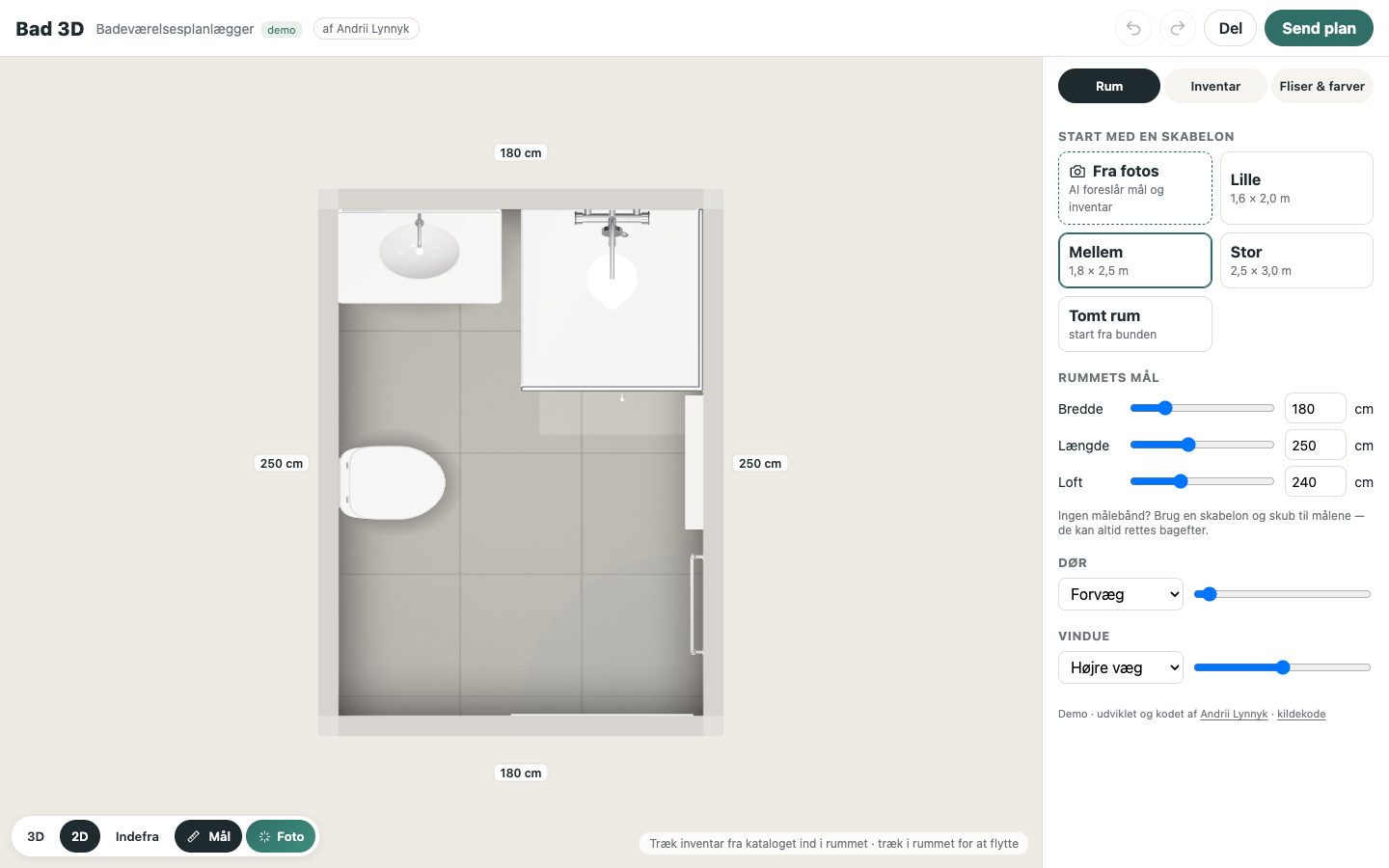
Doll-house 3D with cut-away walls, a measured 2D plan and a first-person view. Undo/redo, autosave and a share link with the whole design.
AI photo of the design
One click turns the current 3D view into a photorealistic mood image with a before/after slider. Works on phones as an installable PWA.
Screenshots